If you’re a manufacturing executive, you’ve likely heard the acronyms MTS, MTO, ETO, and Process. But what do they really mean for your operations – and, more importantly, for your manufacturing ERP strategy success?
At Liberty Grove Software, we’ve worked with manufacturers across North America and beyond – from small to medium-sized, privately held companies to global enterprises driving digital innovation.
Regardless of your size or sector, the first step in any successful ERP journey is understanding the type of manufacturer you are.
This understanding empowers you to make informed decisions and take control of your ERP strategy.
MTS, MTO, ETO, or Process: What’s Your Model?
Let’s break it down:
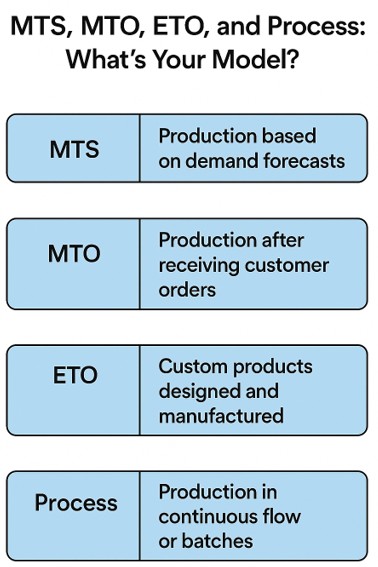
- Make-to-Stock (MTS): You produce based on forecasted demand. Think consumer goods or high-volume parts. Speed and inventory control are key.
- Make-to-Order (MTO): You build only after receiving a customer order. This approach reduces inventory risk but requires tight scheduling.
- Engineer-to-Order (ETO): You design and build unique products according to customer specifications. It’s complex but highly customizable.
- Process Manufacturing: You produce in batches or continuous flows, common in food, chemicals, or pharmaceuticals. Traceability and compliance are critical.
Each model has unique implications for your Microsoft Dynamics 365 ERP system –from how you structure your Bill of Materials to how you plan production and track costs.
Where to Start: ERP for Manufacturing Success Begins with Clarity
Before diving into configuration or customization, ask yourself:
- What’s our dominant manufacturing model?
- Do we need to support multiple models (e.g., MTO + MTS)?
- What are our most significant pain points – inventory, lead times, costing, reporting?
This clarity is not just a starting point, but a reassurance that you are on the right track. It helps you align your ERP implementation with real-world operations, ensuring that your team, from finance to production, speaks the same language and is confident in the ERP strategy.
Key Elements of a Strong Manufacturing ERP Foundation
1. Bill of Materials (BOM)
Your BOM is the DNA of your product. Whether it’s single-level or multi-level, it defines what goes into your finished goods. In Dynamics 365, BOMs can be linked to routings, cost centers, and even version-controlled for ETO environments.
2. Work Centers, Machine Centers & Routings
These define how and where work gets done. Work Centers represent labor or machine groups, while Routings define the sequence of operations. Accurate setup here drives everything from scheduling to costing.
3. Flow of Production Orders
Understanding the lifecycle of a production order – Created → Released → Started → Finished → Reported as Finished → Costed – is essential. Each status triggers different actions in the system and impacts inventory, labor, and financials.
4. Planning and Sequencing
That’s where the rubber meets the road. Dynamics 365 offers robust tools for Master Planning, Demand Forecasting, and Finite Scheduling. For MTO and ETO, sequencing ensures high-priority jobs don’t get stuck behind low-value work.
5. Costing
Whether you use Standard, Actual, or Hybrid Costing, your ERP must reflect true production economics. Dynamics 365 supports layered costing models, including activity-based costing, which is ideal for complex operations.
6. Reporting Options
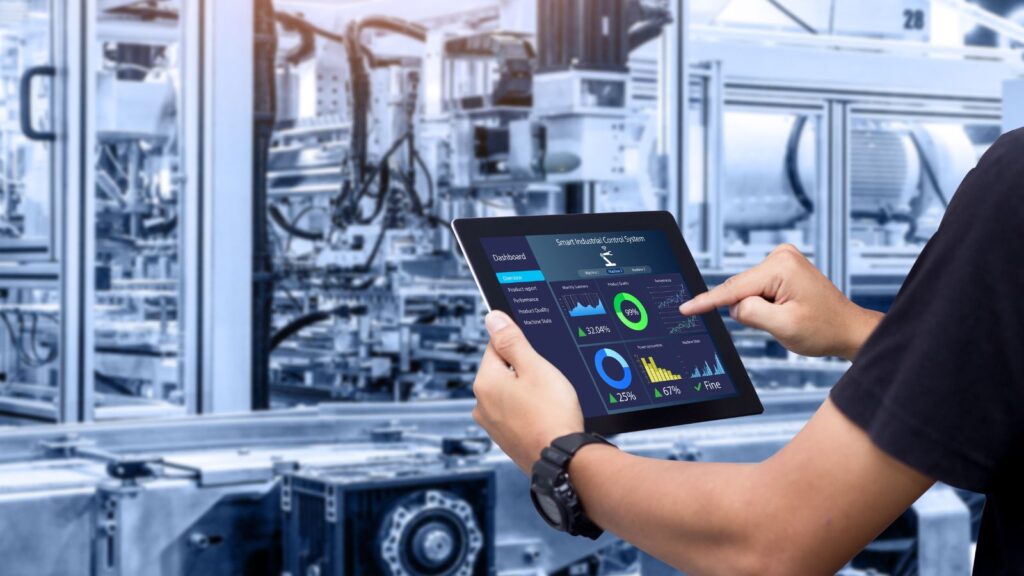
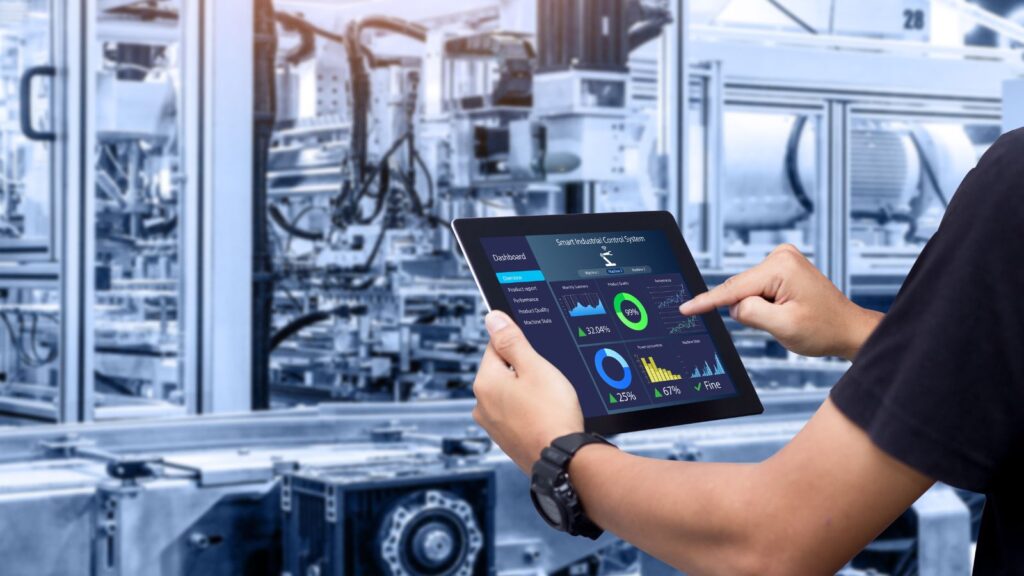
Executives need visibility. Dynamics 365 integrates with Power BI, enabling real-time dashboards for KPIs like OEE, throughput, and cost variances. You can also drill into production variances, scrap rates, and capacity utilization.
7. Integration Options
Modern manufacturers don’t operate in silos. Dynamics 365 integrates with:
- MES systems for shop floor control
- PLM tools for engineering collaboration
- EDI platforms for supplier and customer communication
- Finance and HR systems for unified operations
Final Thoughts: ERP That Fits Your Manufacturing DNA
At Liberty Grove Software, we understand that every business is unique; your ERP should adapt to your business, not the other way around.
Whether you’re an SMB or a global manufacturer scaling operations, your ERP should reflect your unique production model, cost structure, and reporting needs. We are here to cater to your unique needs and help you achieve ERP success.
We believe your system should reflect how you operate, from BOMs to batch flows.
Ready to transform your ERP strategy Success from generic to genius? Let’s talk.
Contact Liberty Grove for a complimentary consultation on how its team of experts can help optimize your manufacturing operation with Microsoft Dynamics 365. Let our experts help configure Microsoft Dynamics 365 to match your manufacturing DNA.
About Andrew Good

Andrew Good, CEO, Liberty Grove Software
Andrew Good, CEO of Liberty Grove Software, a leader in digital transformation, directs the company with strategic insights that deliver impactful results. With over two decades of expertise in Microsoft technologies, Andrew has guided businesses through digital transformations across various industries, including manufacturing, finance, and healthcare.
Andrew’s extensive knowledge comes from personal experiences with various companies. His hands-on operational knowledge stems from his experience in engineering and maintenance, as well as his operational roles at Unilever and Sony Music. Fourteen years of working with Microsoft Dynamics BC/NAV follows successful projects in ERP, Computerized Maintenance Management Systems (EAM), and quality systems.
His passion for technology is matched by his love for sailing, which inspires his leadership. Andrew parallels the precision required for navigating the seas with the challenges of steering a successful company. Under his leadership, Liberty Grove Software thrives, providing tailored solutions that empower clients and optimize operations with innovative, Microsoft-based systems.